From Hobby to Home Infrastructure: Building a Real Backup Strategy for My Homelab
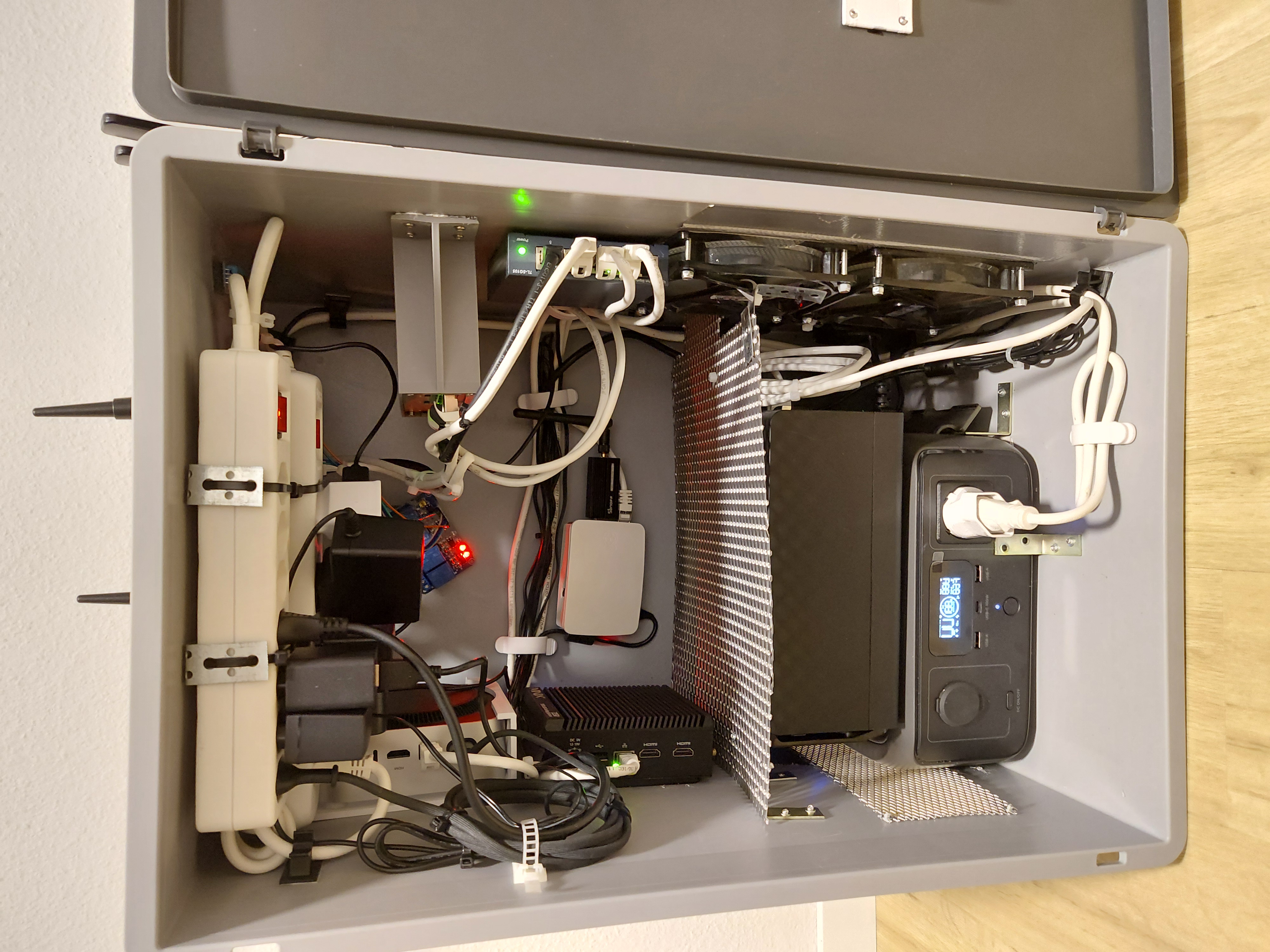
This post is a continuation of How My Homelab Went From One Pi to a Kubernetes Cluster, and Back to Docker Again, which covers how the lab evolved into the infrastructure described here.
Why I Suddenly Needed a Backup Strategy
For quite some time, my homelab was pure playground. Containers spun up and down, configs were rewritten on a whim, and if something broke, I’d just rebuild it. The beauty of a personal lab is that consequences are cheap, until they aren’t.
Then reality hit. Family started storing irreplaceable photos in Nextcloud. Friends relied on services I hosted. What began as a hobby had quietly become infrastructure, my sandbox has become a production environment. The thought of losing years of memories or disrupting services people depended on was no longer theoretical, it was terrifying. I needed a backup strategy.
The Architecture: Separation of Concerns
The first principle was simple but critical: primary storage and backup storage must never share a single point of failure. My Minix PC (4TB SSD) runs Dokploy and hosts all live data under /srv, Nextcloud files, Docker volumes, databases, configs. If that box died, everything would vanish. So I repurposed my Synology DS223 (2 * 4TB RAID 1) as a dedicated backup target, nothing else. No shared duties, no mixed responsibilities, just a clean separation between what serves data and what protects it.
Choosing the Right Tool: Restic Wins
I evaluated three options, each with trade-offs:
| Tool | Pros | Cons |
| Synology Hyper Backup | Native DSM integration, easy setup | Vendor lock-in, less portable |
| BorgBackup | Mature, excellent dedup/compression | No native SFTP, more setup |
| Restic | Native SFTP, built-in dedup/compression, clean CLI | Younger project |
Restic won for three reasons; Native SFTP support means no need for MinIO or S3-compatible layers, just point it at the Synology and go. Efficient storage means my 444 GiB of data compresses to ~249 GiB, saving space without tuning. And its systemd-friendly design means a simple CLI that integrates seamlessly with timers and services.
The SFTP Struggle: Synology’s Quirks
Getting SFTP to work was not plug-and-play. My first attempt failed with a cryptic Permission denied:
1
2
3
4
$ ssh backup@nas
Warning: Data should only be stored in shared folders...
Permission denied, please try again.
Connection to nas closed.
Turns out Synology has layers of restrictions. SSH access is user-specific, so even with SSH enabled globally, non-admin users like backup can be blocked from logging in via SSH entirely. ACLs override Unix permissions, as Synology’s synoacltool can block access even if chmod looks correct, which is why verifying with synoacltool -get /var/services/homes/backup/.ssh was key. SFTP must be enabled separately as a distinct toggle from FTP in DSM’s File Services settings. Non-admin SFTP users are also jailed into a virtual root, so they see /backups as their root rather than /volume1/backups, which can cause confusion when setting paths like the restic repository.
The fix? Enable SFTP in DSM, confirm the user’s SSH permissions, and use the virtual root path (/backups/minix instead of /volume1/backups/minix).
The Database Dilemma: Why Raw Volume Backups Aren’t Enough
Backing up live database volumes directly is risky. Postgres and MariaDB write continuously, while Restic reads files sequentially. It results in a “fuzzy” backup, files that never existed together at any single point in time. Restoring such a backup might work… or it might silently corrupt your data. Not a gamble I was willing to take.
The solution: A script that auto-discovers all Postgres and MariaDB containers, dumps them to SQL files before the restic backup runs, and requires zero manual updates. New database containers? Automatically picked up. No lists to maintain. I will have to adjust it if i will ever use a new database technology.
1
2
3
4
5
6
7
8
9
10
11
12
13
14
15
16
17
18
19
20
21
22
23
24
25
26
27
28
29
#!/bin/bash
set -euo pipefail

DUMP_DIR="${DUMP_DIR:-/srv/backups/db-dumps}"
mkdir -p "$DUMP_DIR"

docker ps --format '\t\t' | while IFS=$'\t' read -r id name image; do
  case "$image" in
    *postgres*)
      echo "DETECTED: $name (postgres, image=$image)"
      pguser=$(docker exec "$id" printenv POSTGRES_USER 2>/dev/null || echo postgres)
      target="$DUMP_DIR/${name}.sql"
      docker exec -u postgres "$id" pg_dumpall -U "$pguser" > "$target" \
        && echo "OK [postgres]: $name -> $target" || echo "FAILED [postgres]: $name"
      ;;
    *mariadb*|*mysql*)
      echo "DETECTED: $name (mariadb/mysql, image=$image)"
      rootpw=$(docker exec "$id" printenv MYSQL_ROOT_PASSWORD 2>/dev/null || docker exec "$id" printenv MARIADB_ROOT_PASSWORD 2>/dev/null || echo "")
      target="$DUMP_DIR/${name}.sql"
      dumpcmd="mysqldump"
      docker exec "$id" which mysqldump >/dev/null 2>&1 || dumpcmd="mariadb-dump"
      docker exec "$id" sh -c "$dumpcmd --all-databases -uroot -p'$rootpw'" > "$target" \
        && echo "OK [mariadb/mysql, using $dumpcmd]: $name -> $target" || echo "FAILED [mariadb/mysql]: $name"
      ;;
    *)
      ;;
  esac
done
echo "Done."
Newer MariaDB images use mariadb-dump instead of mysqldump. The script handles both automatically.
The Setup: Simple, Automated, Verified
The backup pipeline is driven by three systemd units, each with a single responsibility:
| Unit | Schedule | Job |
|---|---|---|
restic-backup.timer | Daily at 02:00 | Dump databases → Run restic backup |
restic-forget.timer | Weekly (Sun 04:00) | Prune old snapshots (keep daily 14 / weekly 8 / monthly 12) |
restic-check.timer | Monthly (1st at 05:00) | Verify repository integrity |
Exclusions
Not everything needs backing up. Docker runtime files (overlay2, containerd, etc.) and regenerable data (e.g., Nextcloud previews) are excluded to save space and time:
1
2
3
4
5
6
7
8
9
10
11
/srv/containerd
/srv/lost+found
/srv/docker/rootfs
/srv/docker/docker
/srv/docker/containers
/srv/docker/swarm
/srv/docker/buildkit
/srv/docker/tmp
/srv/docker/runtimes
/srv/docker/overlay2
/srv/nextcloud/*/appdata_*/preview
The Backup Script
Minimal and focused:
1
2
3
4
5
6
#!/usr/bin/env bash
set -euo pipefail
restic backup /srv /etc/dokploy /etc/docker \
  --exclude-file /etc/restic/excludes \
  --one-file-system \
  --tag nightly
The Service File
Ties it all together:
1
2
3
4
5
6
7
8
9
10
11
12
[Unit]
Description=Restic backup to NAS
Wants=network-online.target
After=network-online.target

[Service]
Type=oneshot
EnvironmentFile=/etc/restic/env
ExecStartPre=/usr/local/bin/db_dump.sh
ExecStart=/usr/local/sbin/minix-backup.sh
Nice=10
IOSchedulingClass=idle
Results and Surprises
The first backup processed 444.65 GiB and stored 249 GiB in one hour and thirteen minutes. The restore test verified by restoring /etc/docker/daemon.json and it worked perfectly. What was very surprising is that the Synology DS223 with two 4TB drives in RAID 1 added only about 4 watts to the idle power draw, which is a remarkably small increase for a device now holding the safety net for both critical and not so critical data.